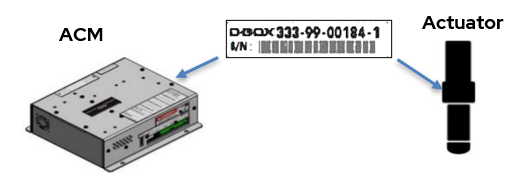
Systems with 3 or 4 actuators may have more than one sequence of serial numbers.
|
G1 G2 G3 |
The serial number has the following format:
The serial number shown in the image above is provided as an example. The standard format for actuators is as follows: XXX-XX-XXXXX-Y You will find the abbreviation "S/N" somewhere on the sticker. When communicating the serial number to our Customer Support Team, you can disregard the letter Y. It simply identifies either the ACM or the actuator. |
| G5 |
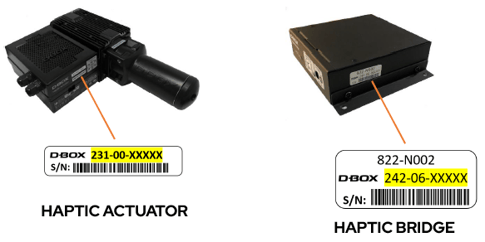
The serial number has the following format:
The serial number shown in the image above is provided as an example. The standard format for all haptic systems is as follows: 231-00-XXXXX: Haptic Actuator 242-06-XXXXX or 52981-XXXX-XXXX: Haptic Bridge You will find the abbreviation "S/N" somewhere on the sticker. |